MapTiler SDK JS geocoding component how to search places using React JS
This tutorial shows how to search for places using the Geocoding control. The geocoder component facilitates the use of the MapTiler Geocoding API.
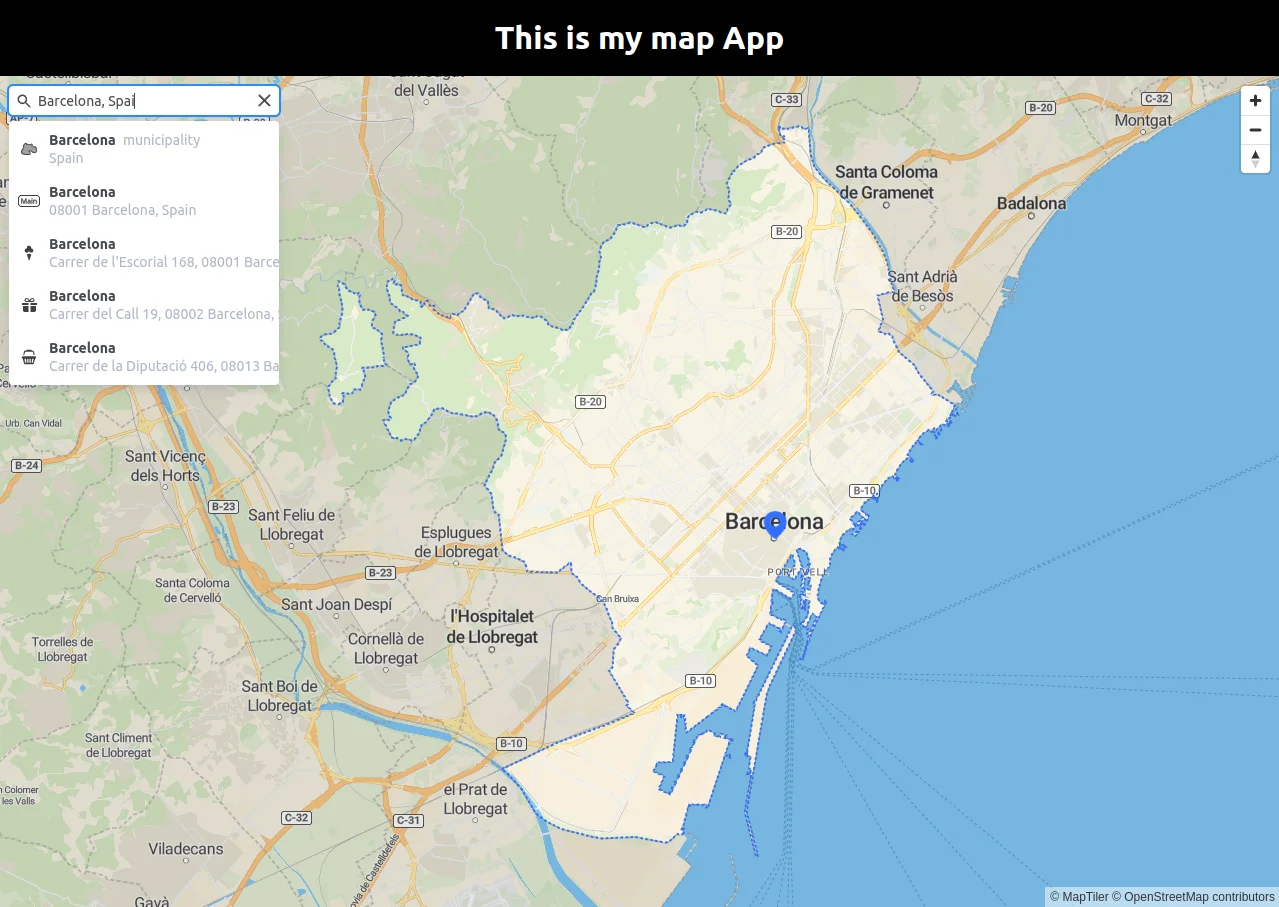
-
Follow the React JS with MapTiler maps tutorial to create a simple fullscreen map application. You do not need to add the marker to the map.
-
Install the Geocoding control module
npm install --save @maptiler/geocoding-control -
Import the Geocoding control and the required React functions. Add these lines on top of
map.jsxfile. -
Create the
GeocodingControlref
-
Add the
GeocodingControlto the map. Use the current MapTiler SDK map.
We are finished, your map.jsx file should look like this:
your map.ccs file should look like this:
Note
The library also has types defined to be used in TypeScript.
 MapTiler Geocoding control on GitHub
Learn more
Visit the MapTiler Geocoding API reference for all search options. For example specifying the language of the results, etc.


