How to get the Layer ID in a MapTiler Tileset
This example demonstrates how to get the Layer ID in a MapTiler Tileset using MapTiler.
-
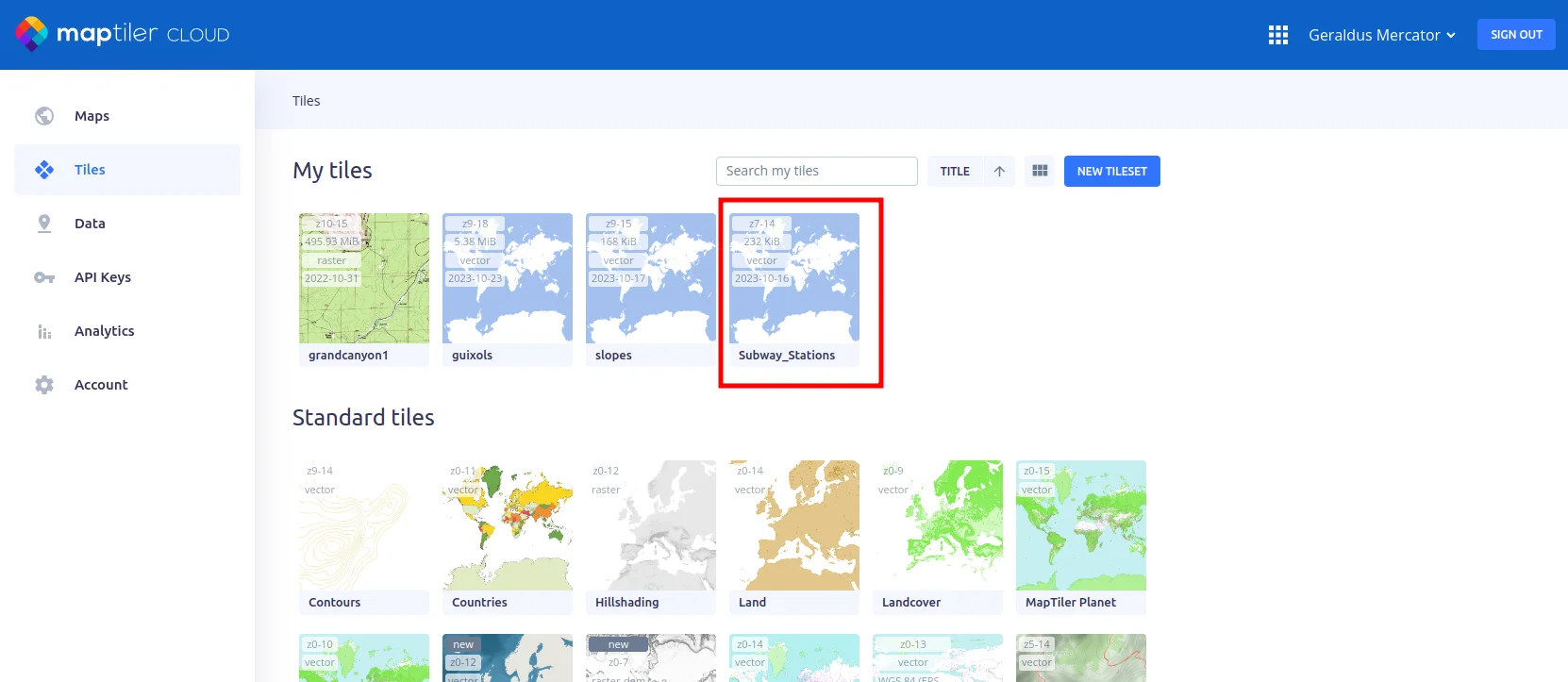
Go to MapTiler - Tiles section in your cloud account and select a Tileset.
-
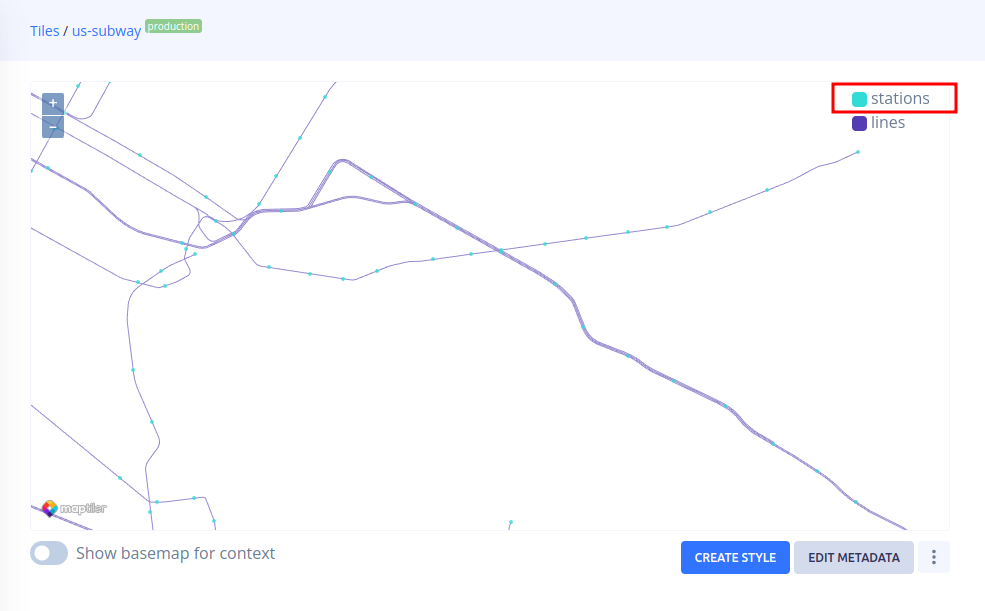
Copy the name/ID of the layer you are going to use on the map. In this example we want to add the point layer called “stations” to the map.